
See what your repeated spending really costs.
Track coffee, delivery, parking—or anything else—in one tap. Add an optional monthly limit, then understand the cost and frequency over time.


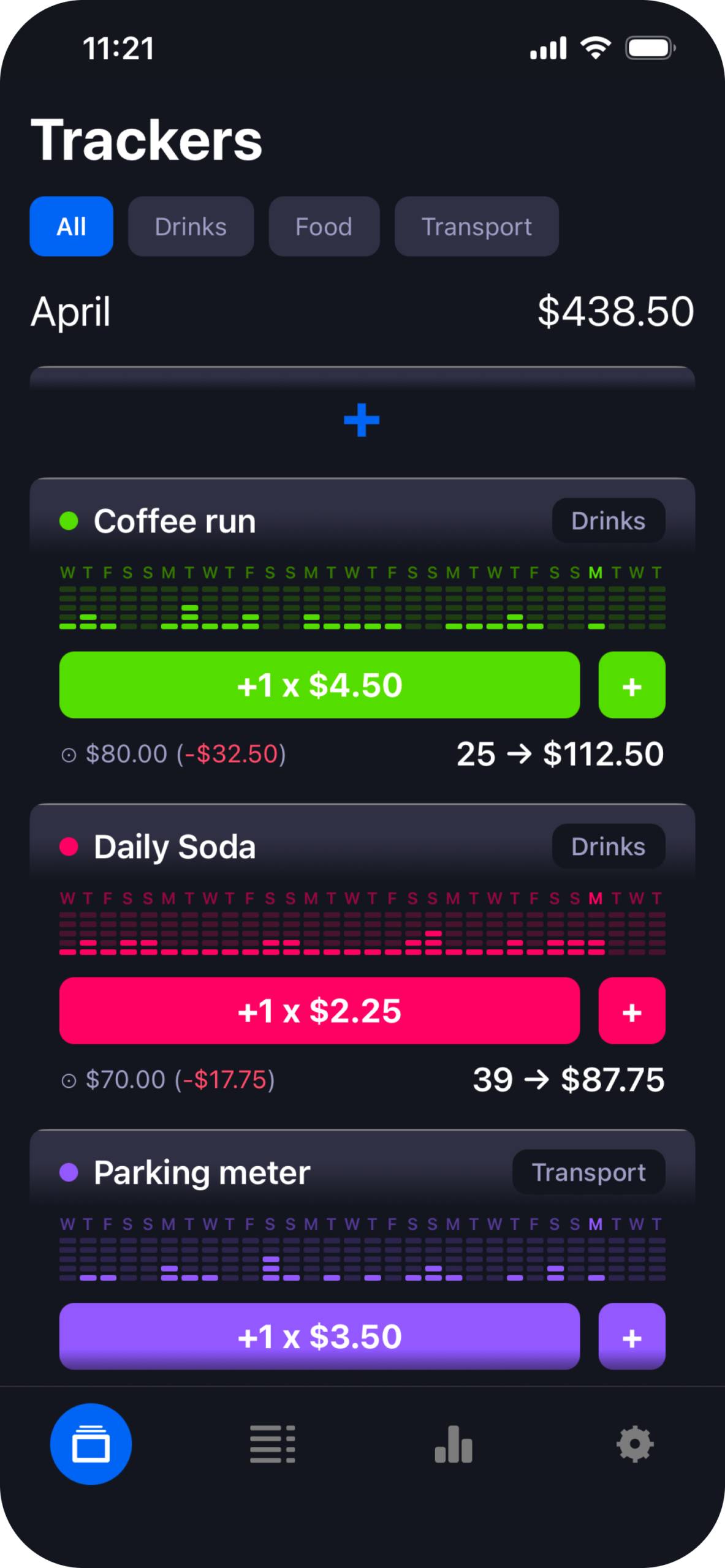
Your bank sees a category. You remember the thing itself.
A card statement can tell you how much you spent at restaurants. CostMe helps you answer a more useful question: what did the lunch delivery, weekday coffee, or parking meter actually add up to?
Food & dining
$286 this month
From purchase to perspective in one tap.
Awareness without the accounting homework.
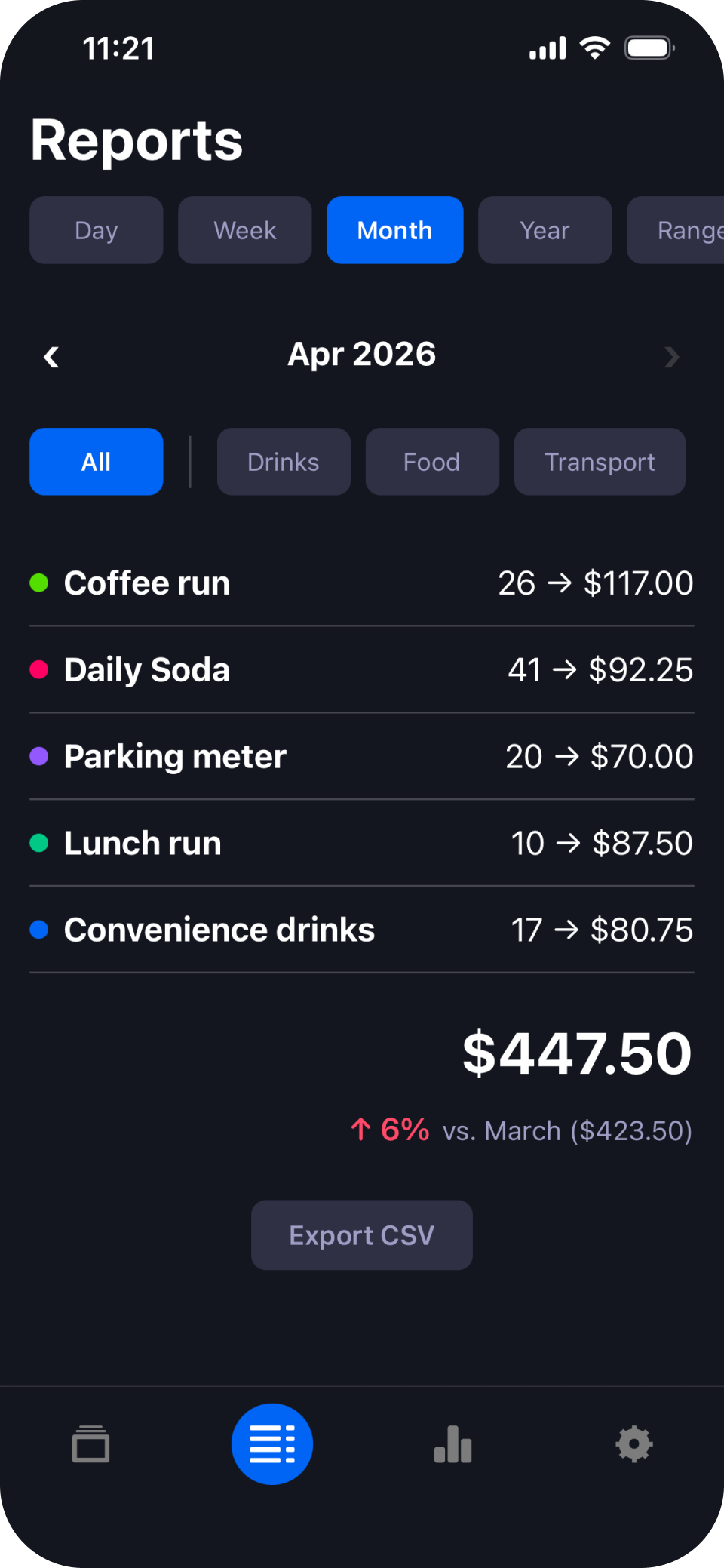
Cost and frequency, together
A total alone hides the pattern. CostMe shows both how often you bought something and how much it cost across the period you choose.
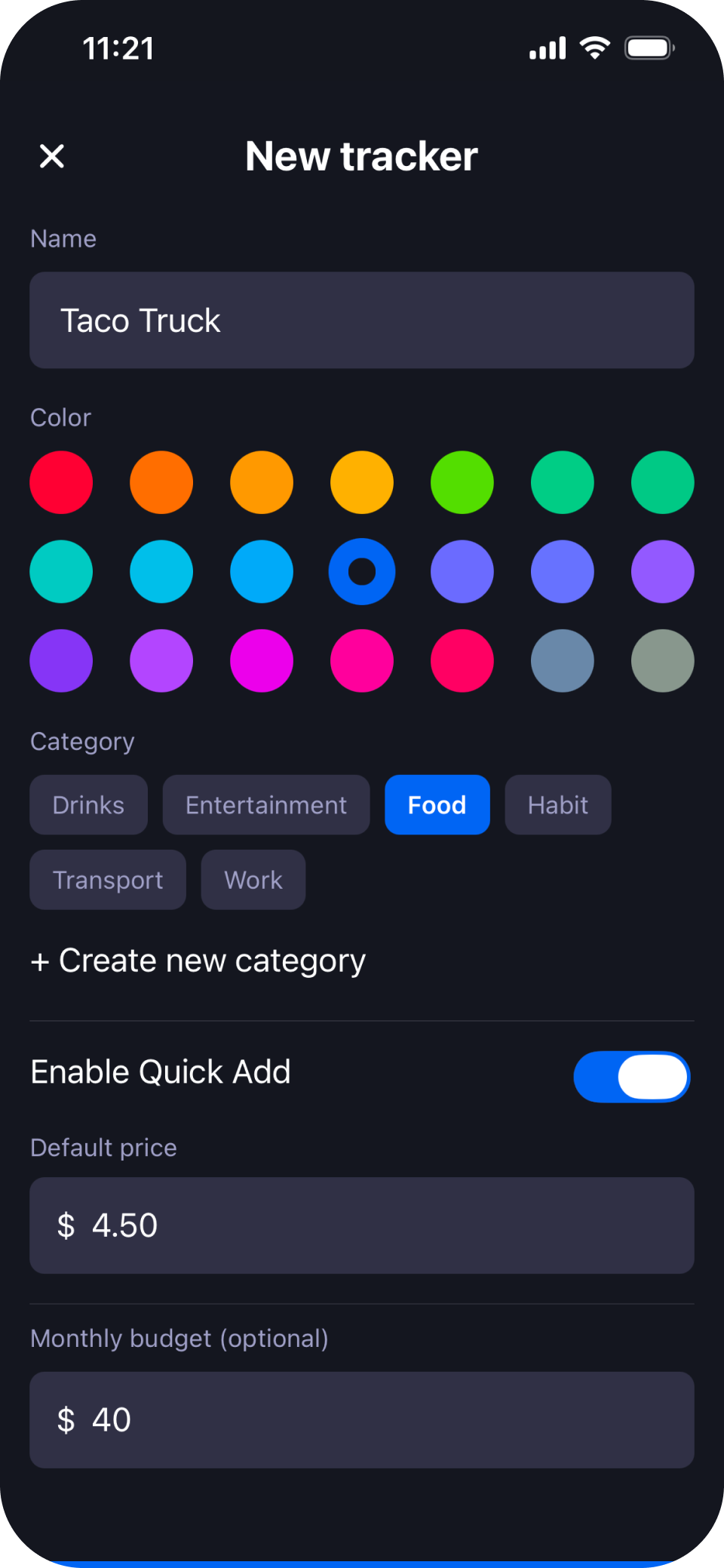
A limit when you want one
Set an optional monthly spending limit for any tracker. Leave it off when you only want to observe. CostMe never blocks a log or turns a limit into a punishment.
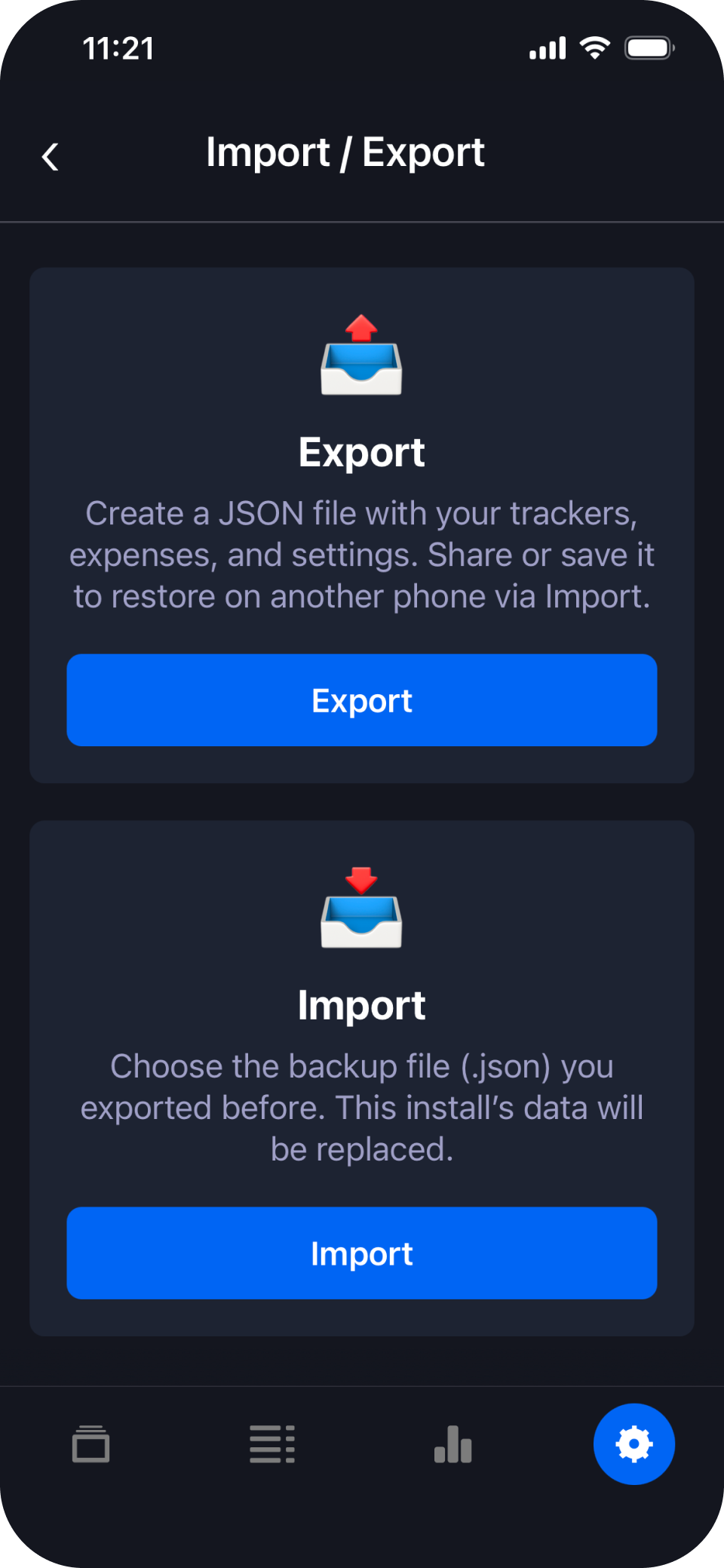
Your records, portable
Export a free JSON backup with your trackers, entries, and settings. Save it wherever you choose and restore it on another phone when needed.
Use the whole app free. Pay once only if you need more trackers.
No bank login. No CostMe account. Your expense records stay on your device.
CostMe stores the trackers and entries you create locally on your phone. Purchases and diagnostics may be processed by Apple or Google, RevenueCat, and Sentry as described in the privacy policy.
Questions, answered.
It can complement a budget, but it is built for something more focused: tracking the quantity and cost of specific repeated purchases.
Export a JSON backup from Settings, save it somewhere you control, then import it on the new device. Store purchases can be restored with the same store account.
Yes. Monthly limits are optional per tracker. You can observe spending without setting one.
It removes the 5-active-tracker limit with a one-time in-app purchase. There is no recurring subscription.
Every feature is available with up to 5 active trackers, including reports, statistics, JSON backup and restore, and CSV export.
No. You enter purchases manually, so CostMe knows the thing you chose to track—not your full financial life.
Track the thing. See the real cost.
Start with up to five active trackers for free.